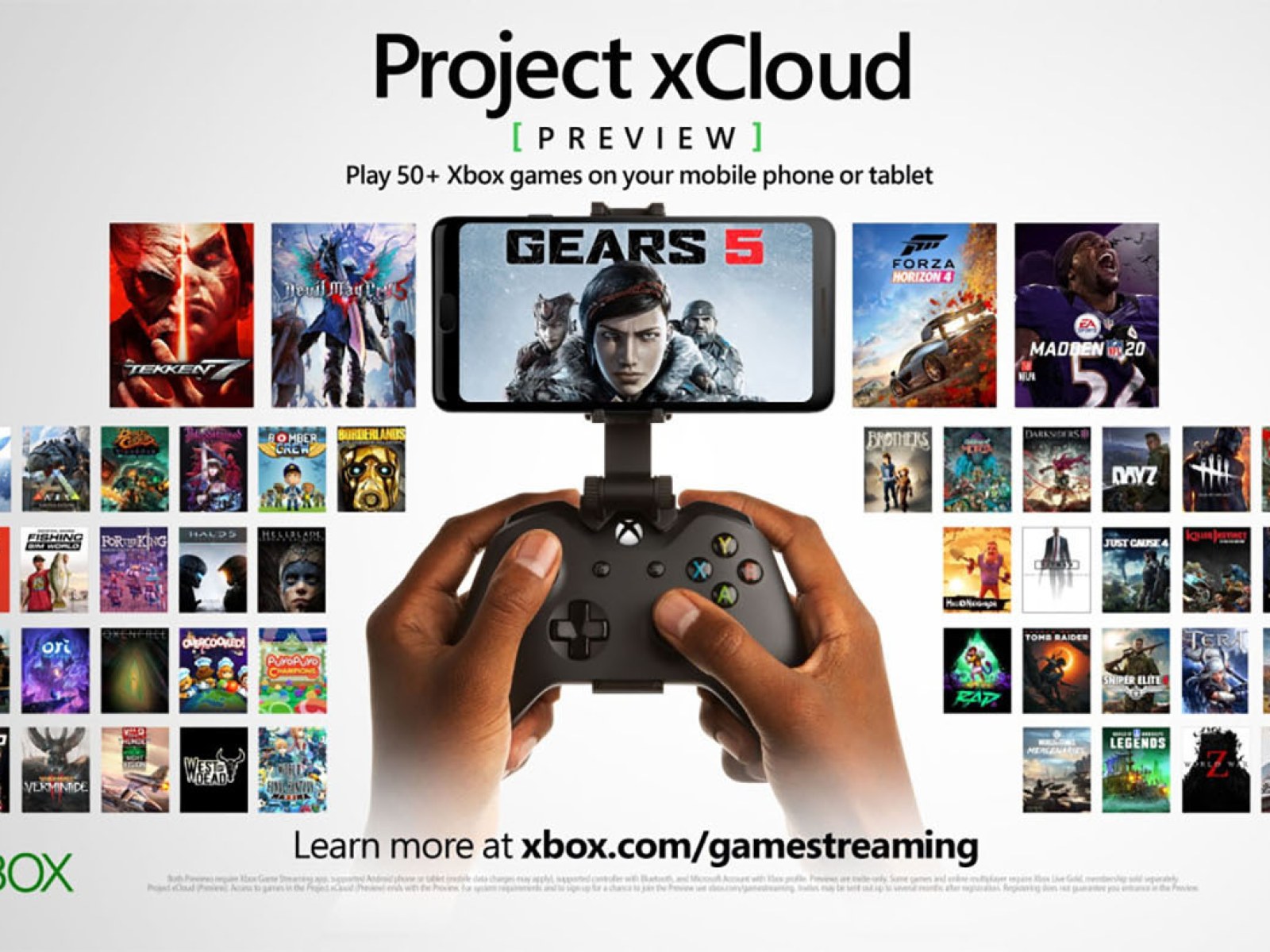
Google Stadia is a cloud gaming service by Google. which was going up in popularity, and in the response to it, Microsoft revealed The XCloud Gaming Service or better known as the Xbox Cloud Gaming Service.
Recently Microsoft revealed that they have expanded their services to Android, iOS, and PCs also. Let's figure out how to use their services on Andoird and iOS
Step 1: Join GamePass Ultimate 🎮

Gamepass is an essential subscription for cloud gaming with Xbox Cloud on any platfrom.
To get the game pass use this link: https://www.xbox.com/en-US/xbox-game-pass.
Note: you have to get the ultimate pack to game on mobile devices such as android and iOS.
Step 2: Download the app ⏬

After getting the gamepass ultimate you will require the app to get started.
Use this link to get the app directly from Microsoft:
Step 3: Sign in to you account 🖊
Open the newly installed app on you phone and tap on the "user" button at the bottom of the screen and then click on Sign In.
Now you have to sign in using the account that you have used to purchase the Gamepass Ultimate.
Step 4: Enjoy 😎
Now everything is setup and what you have to do is Enjoy playing the games available.
Have Fun😊.